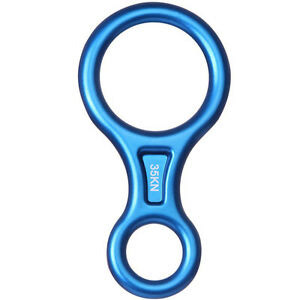
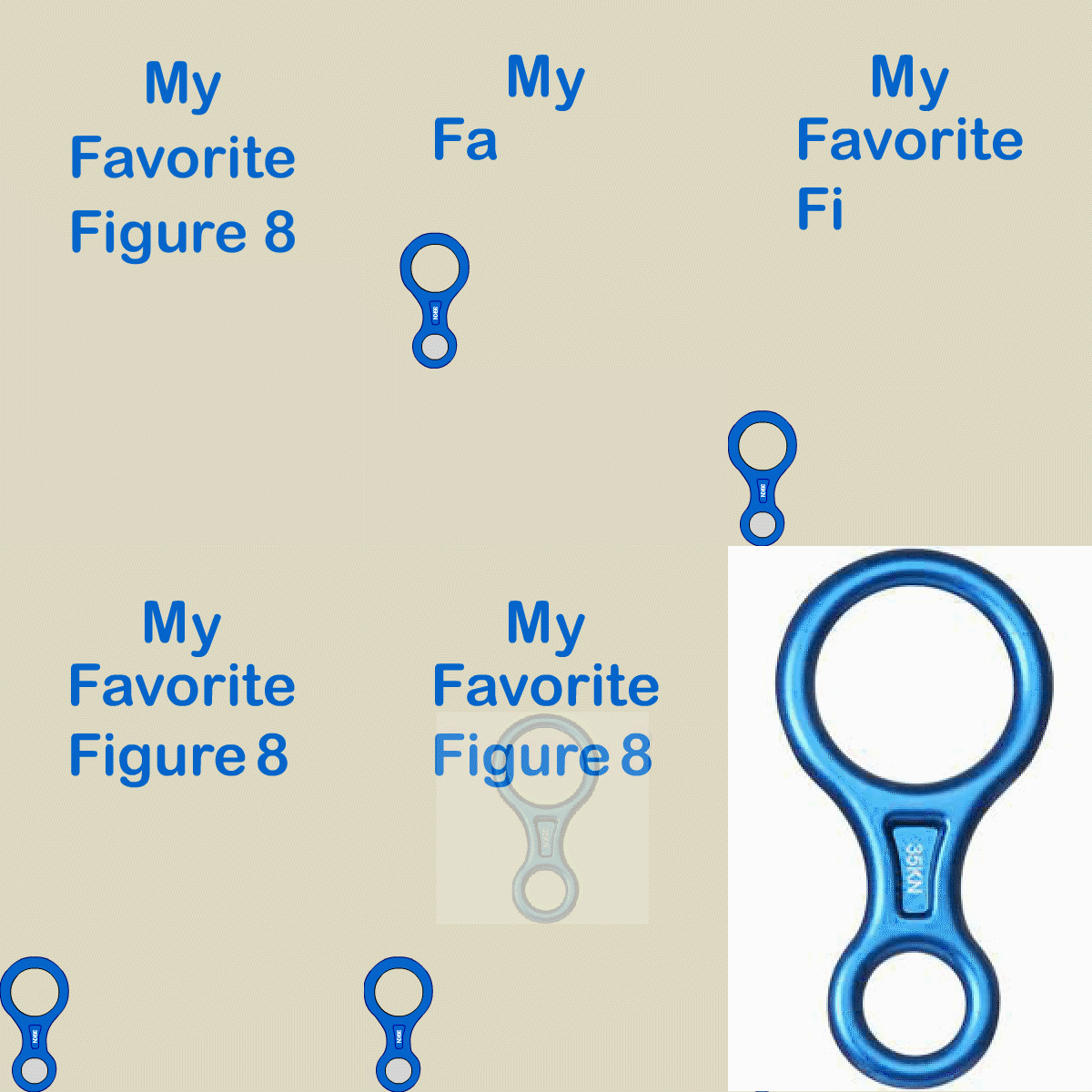
This image was my first in motion project. For this project I was asked to recreate my favorite item. I was a figure 8 that is used in mountain climbing and rappelling. The object had to move from one side to the other with the text added. At the end I was required to show the original image the item was based off of. This was my introduction to keyframes and motion tweening. I included the still image of the figure 8 to the left of my final project. I posted a .gif format for web use. The original file was accomplished in Adobe Flash but I moved it to Adobe Animate because Adobe Flash support will fall off after 2020.
This project was my introduction to the Adobe Animate program. The objective was to create a short advertisement for a company called Travel Europe. After working in Adobe Flash, Animate had familiar feel to it. I enjoyed working in Animate and I understand I only scratched the surface of the capabilities it has to offer. I explored working with keyframes and expressions to animate the text and the background. For this project the image and music were provided and all the text was required. I was able to place the and modify the text to meet the objective of the video.
This video was a project for a motion graphics class that used Adobe Animate. The project used images to showcase Red Rock Canyon and inspire viewers to visit the area. 23 Still images were used along with text to define areas to visit at Red Rock Canyon. The project required a detailed storyboard that was followed to complete the project. Each transition image, text, and transition were identified prior to starting the project. The Composition settings are on black background and with a frame aspect ratio of 16:9 at 24 frames per second. Transitions were accomplished with keyframes and expressions. I really enjoy using animate to create motion within images and videos.
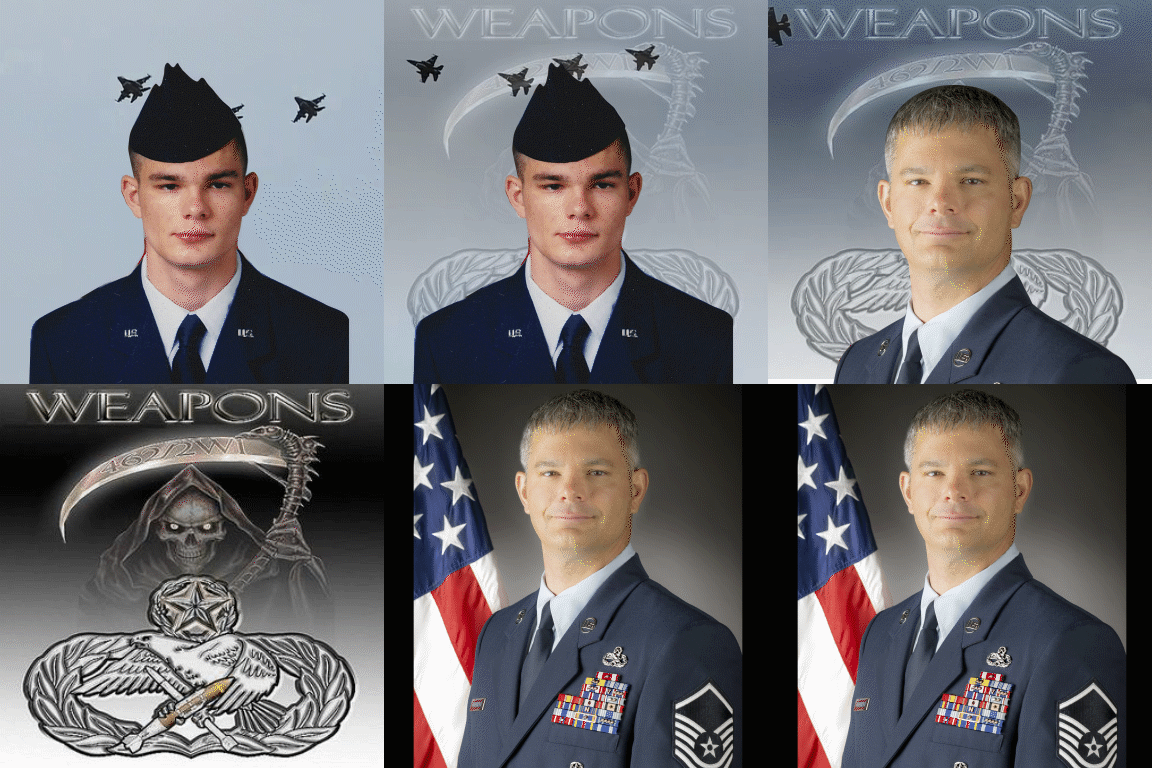
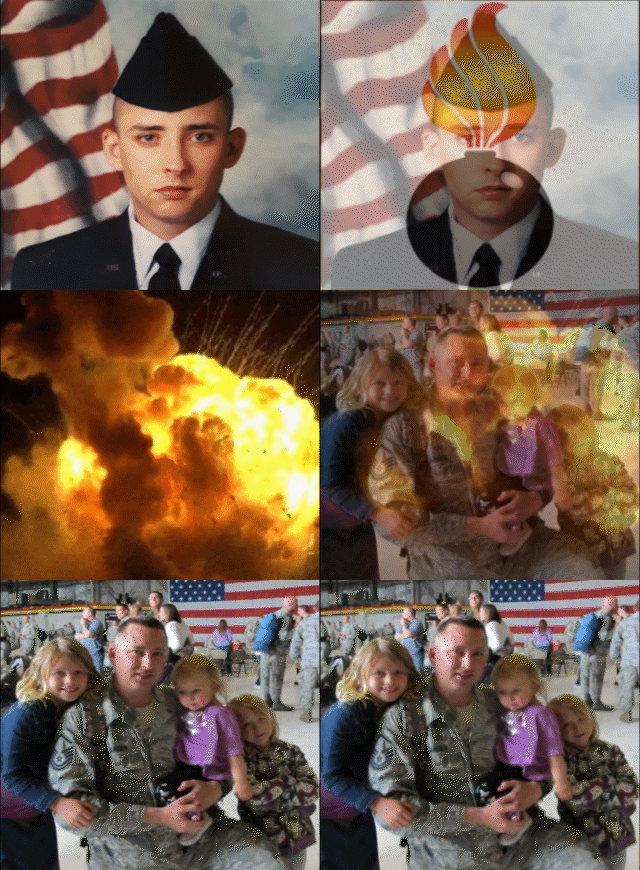
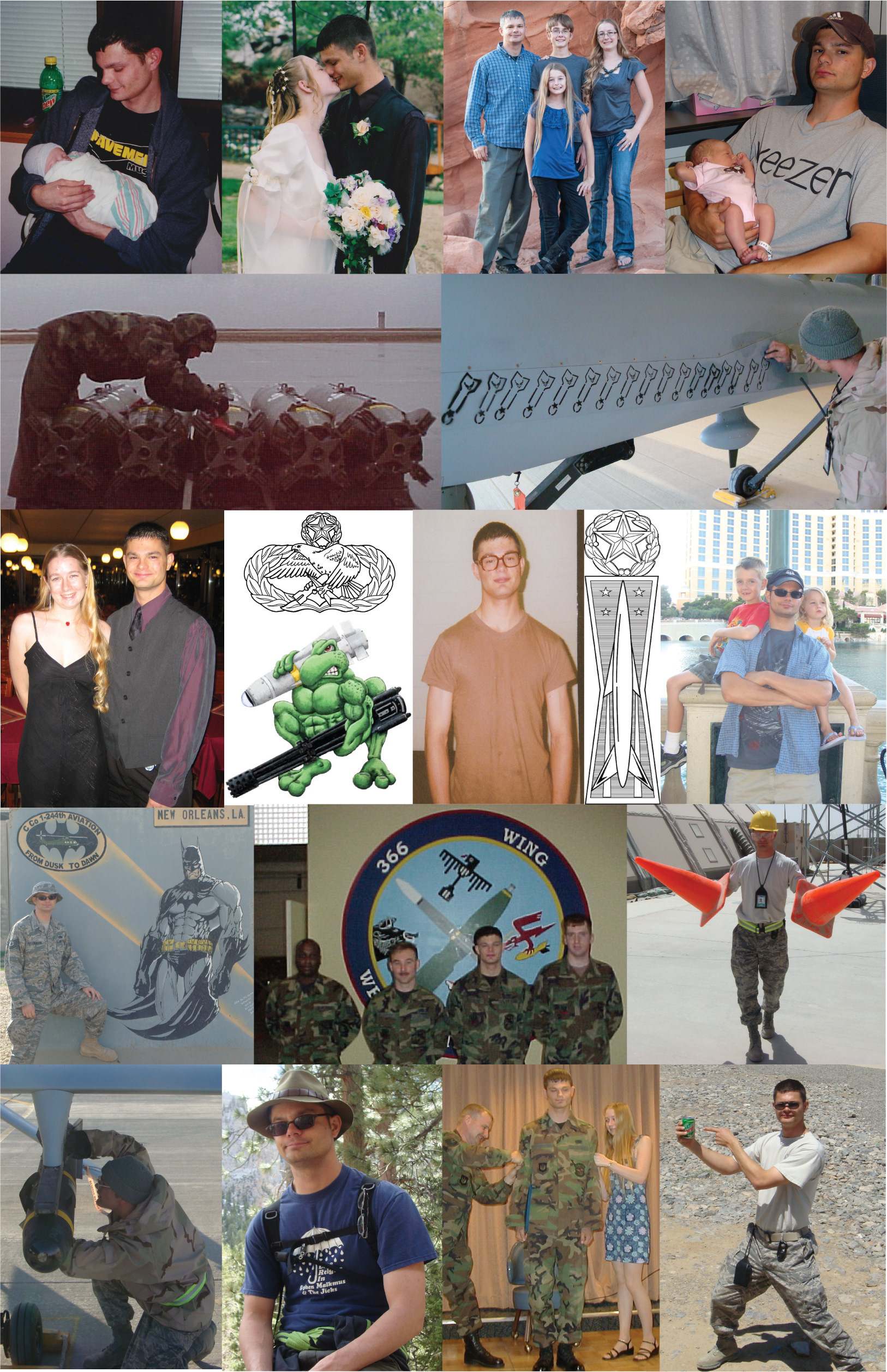
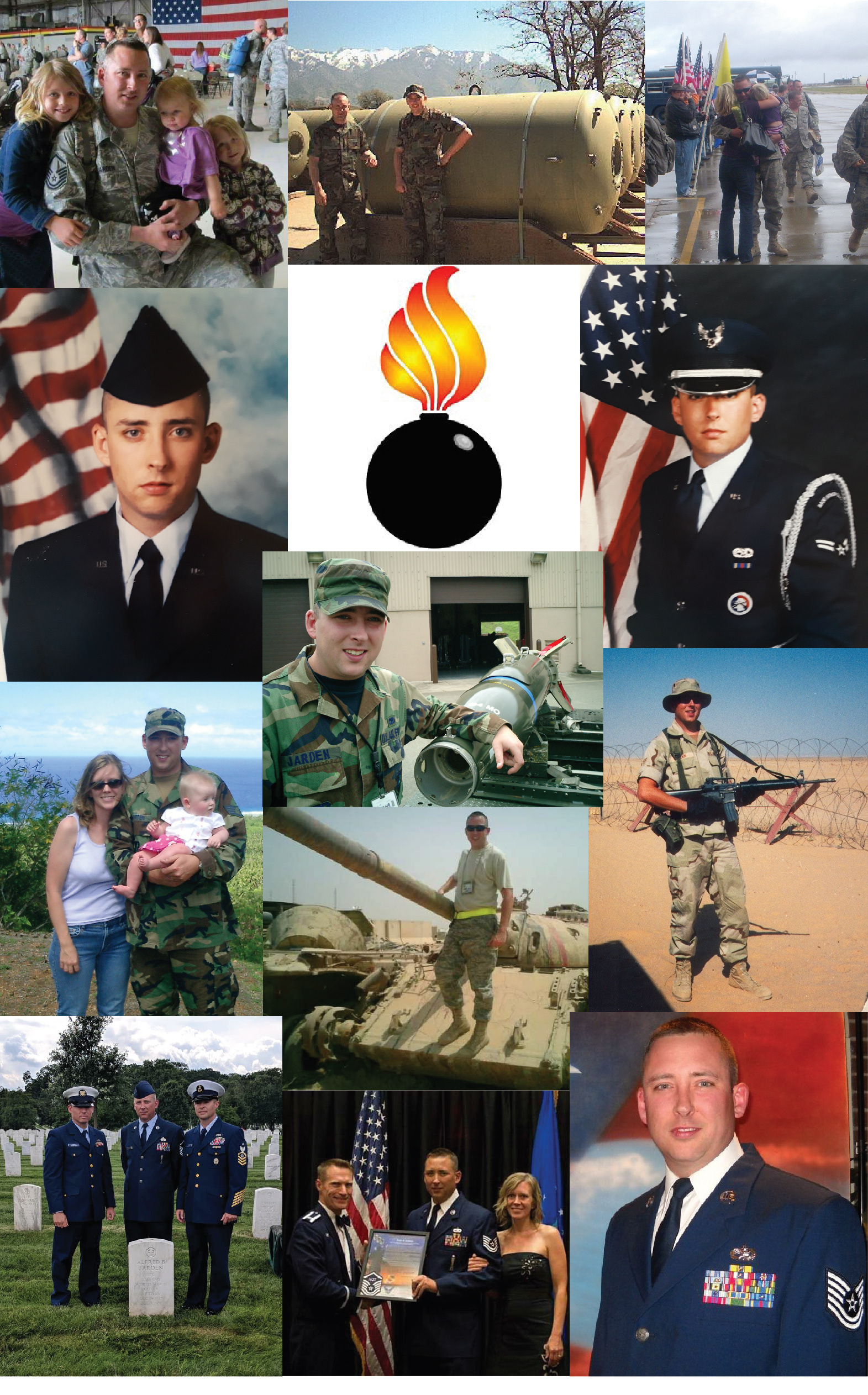
I used Adobe Animate to create above Gifs and Illustrator on the collage below for a few Air Force retirement announcements. I like to tie together the career and family aspect. I used a mix of pictures and video on a timeline with keyframes to transition from one to the other. The collages were several photos resized and cropped to fit on the back of a retirement brochure.